Burning Bridges AI logoBurning Bridges AI
  • Home
  • Guides
TOOLS
  • Rumpelstiltskin AI
  • Bulin 47 AI
MORE
  • Pricing

Guest

Save your creations

Credits—
  1. Home
  2. /
  3. Rumpelstiltskin AI

PHOTO TO VIDEO

Rumpelstiltskin AI Video Generator

Put your photo in the tiptoe dance meme.

Create your own take on the viral tiptoe dance meme with Rumpelstiltskin AI. Turn one person’s photo into a playful clip without filming a performance.

Create your video
  • One starting image
  • No prompt writing
  • Flexible video settings
Rumpelstiltskin AI video example — tiptoe dancing in a haystack scene.

Your video workspace

Sign in to choose a reference image and see your creations.

Reference image

Required · 1 image
10
Checking your sign-in status…

The story behind the Rumpelstiltskin AI trend

The dance meme centers on a fairy-tale figure stepping through a straw-filled setting while another character watches. NBC traced the viral footage to an AI-made clip, rather than a scene from the real 1987 Rumpelstiltskin film.

The Rumpelstiltskin AI preset animates the person in your photo with toe-led steps, gentle shoulder bounces and a playful finishing gesture. It asks the model to retain the person’s appearance and clothing while placing them on a straw-covered floor inside a rustic wooden barn.

Read NBC’s report on the meme

Make a Rumpelstiltskin AI video in three steps

  1. 01

    Choose your starting image

    Sign in, then upload a photo or select one from your library. Rumpelstiltskin AI accepts JPG, PNG or WebP files up to 10 MB. Use an image you have permission to edit.

  2. 02

    Set up your clip

    Open Generation settings, choose your output preferences and check the credit estimate beside Generate. Submit once; Rumpelstiltskin AI adds the job to the history above the composer so you can follow its status.

  3. 03

    Watch, download, refine

    Play the completed Rumpelstiltskin AI video from beginning to end. Check hands, facial consistency and background movement before downloading. Use again restores the earlier inputs for another attempt without submitting automatically.

Choose a stronger Rumpelstiltskin AI starting frame

Give the character room to move

Rumpelstiltskin AI works from the composition you provide. A readable silhouette gives the model a clearer starting point than a crowded group shot.

  • Keep one main subject in focus, with the face unobstructed.
  • Include legs and feet when full-body movement matters; a tight headshot offers less visual guidance.
  • Leave space around the figure instead of cropping against the frame edges.
  • Avoid heavy motion blur, large text overlays and distracting foreground objects.
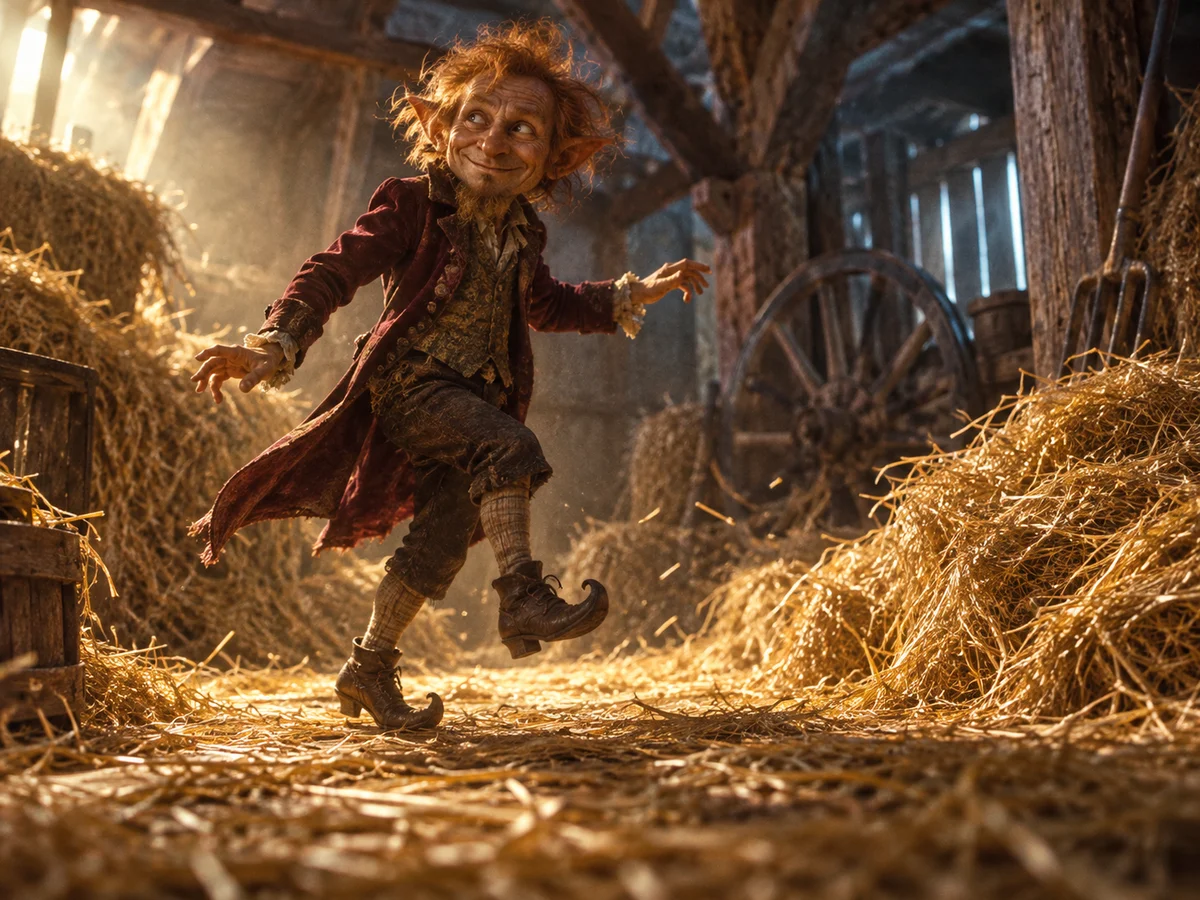
Concept illustration of a velvet-coated imp with visible feet and space around its pose
Concept illustration of composition, not a generated video frame.

Rumpelstiltskin AI settings at a glance

Rumpelstiltskin AI uses Seedance 2 Mini. Choose a layout for TikTok, Instagram Reels, YouTube Shorts or a landscape post; the available formats and durations are listed below.

SettingAvailable optionsStarting point
Image inputOne photo to animateRequired
Aspect ratio16:9 · 4:3 · 1:1 · 3:4 · 9:16 · 21:9 · 9:21 · Auto9:16 for vertical feeds
Resolution480p or 720p720p
Duration5–15 seconds, in whole seconds12 seconds
OutputOne video per submissionSingle clip

Rumpelstiltskin AI questions, answered

This is not a dedicated face-swap workflow. Facial features, proportions and clothing can change as the model interprets the scene. If precise identity preservation is essential, judge the result against that requirement before using it.

Rumpelstiltskin AI requests tiptoeing and dancing through a fixed creative preset. It does not trace a reference performance or reproduce a frame-by-frame sequence. Each run can interpret the movement differently.

The preset does not supply a licensed copy of the meme’s soundtrack. Add music separately in an editor or through your publishing platform’s audio library, then align the beat with the movement yourself.

Rumpelstiltskin AI runs in your browser with no installation. Watching the example is free; generating a clip uses credits. Duration, resolution and current model pricing affect the estimate shown beside Generate.

Ready for your Rumpelstiltskin AI moment?

Bring a character into the scene and see where the story goes. Looking for a different mood? Try the Burning Bridges effect.

Create your video
Explore Burning Bridges AI
Burning Bridges AI logoBurning Bridges AI

Turn one image into your own Burning Bridges AI party video.

Customer supportsupport@burning-bridges-ai.pro

Learn more

  • How to Make a Burning Bridges AI Video
  • The Drake Burning Bridges Meme, Explained
  • Pricing

Tools

  • Rumpelstiltskin AI
  • Bulin 47 AI

Legal

  • Privacy Policy
  • Terms of Service
  • Refund Policy
  • Contact

© 2026 Burning Bridges AI